

If you spend most of your time on your laptop, chances are your browser is where all the work happens. From emails to research, everything runs inside Chrome. The right extensions can quietly save hours every week.
In this guide, we will look at the best Chrome extensions for productivity in 2026 that are actually useful in real life. These are simple tools that help you focus better, reduce distractions, and get work done faster.
Why Chrome Extensions Matter for Productivity
Chrome extensions are small tools that add extra features to your browser. Instead of installing heavy software, you can do many tasks directly inside Chrome.
According to reports, Chrome has billions of users worldwide, and its extension ecosystem is one of the main reasons people prefer it for work and daily tasks.
With the right setup, your browser can become your most powerful productivity tool.
Best Chrome Extensions for Productivity in 2026
1. uBlock Origin
uBlock Origin is one of the most useful extensions you can install. It blocks ads, trackers, and unnecessary scripts that slow down websites.
This is especially helpful in India where many websites are filled with heavy ads that consume data and reduce browsing speed.
- Makes websites load faster
- Reduces distractions
- Saves internet data
2. Grammarly
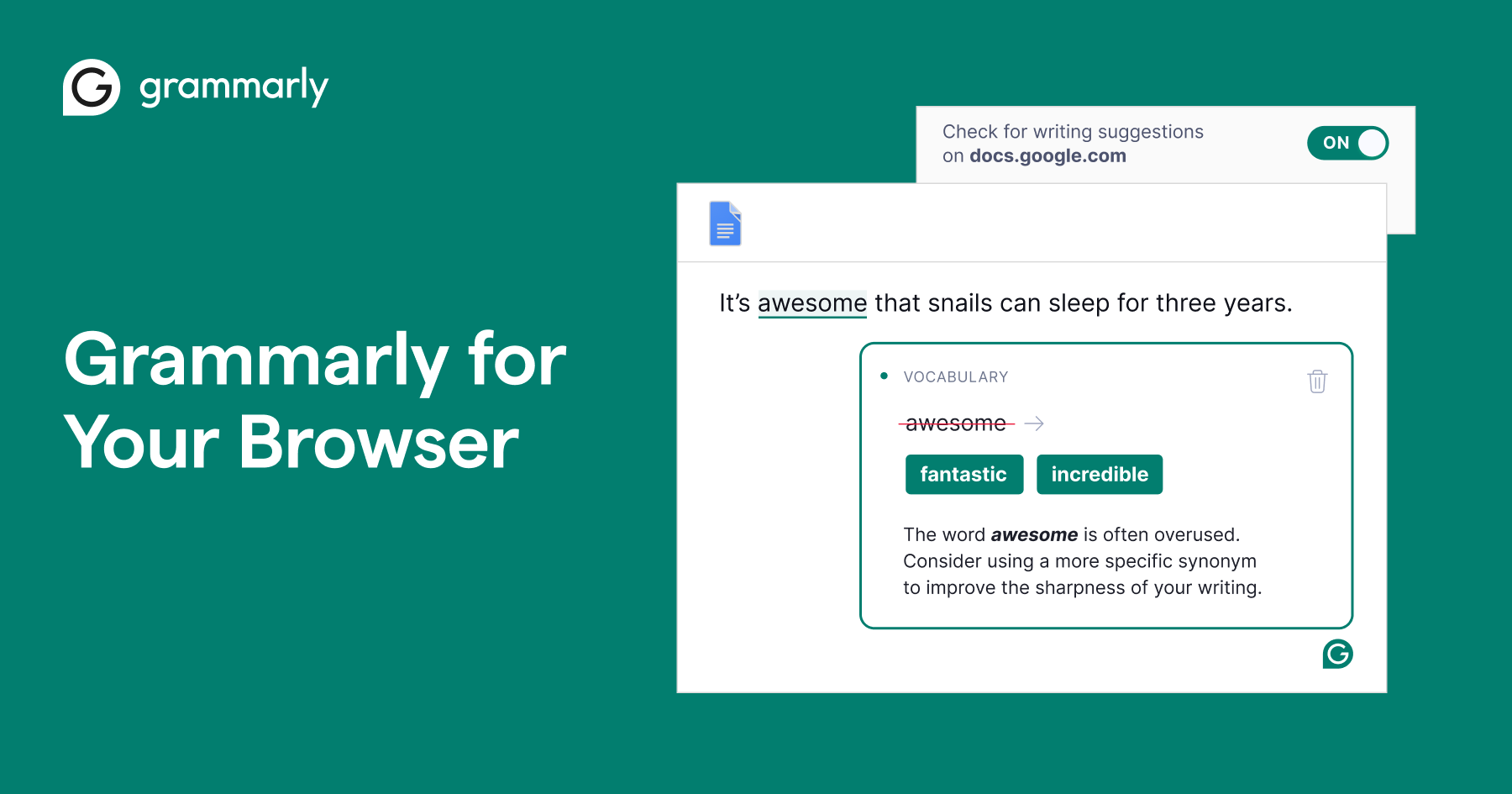
Grammarly helps you write better English while typing emails, documents, or social posts.
It is widely used by professionals and students to avoid grammar mistakes and improve clarity. Many productivity lists consistently include Grammarly as a top tool for writing assistance.
- Fixes grammar and spelling
- Improves sentence clarity
- Works on most websites
3. Notion Web Clipper

Notion Web Clipper lets you save articles, ideas, and research directly into your Notion workspace.
Instead of bookmarking multiple tabs, you can organize everything in one place.
- Save content in one click
- Organize research neatly
- Useful for students and developers
4. StayFocusd

StayFocusd helps you control distractions by limiting time on websites like YouTube or Instagram.
Many productivity experts recommend blocking distractions to improve focus and work efficiency.
Focus is not about doing more. It is about avoiding what does not matter.
- Blocks time-wasting sites
- Improves concentration
- Custom time limits
5. Loom
Loom allows you to record your screen and share it instantly with a link.
It is very useful for remote work, freelancing, and explaining things quickly without typing long messages.
- Quick screen recording
- Instant sharing
- Saves communication time
6. Google Keep
Google Keep is a simple note-taking extension that works smoothly with your Google account.
It is lightweight and perfect for quick notes, reminders, and saving links.
- Easy to use
- Syncs across devices
- Great for daily tasks
7. OneTab
OneTab helps you manage multiple tabs by converting them into a list.
This is especially useful if your laptop slows down when too many tabs are open.
- Saves memory
- Organizes tabs
- Improves browser performance
How to Choose the Right Chrome Extensions
Not every extension is useful. Installing too many can slow down your browser.
Here is a simple approach:
- Install only what you need
- Avoid duplicate tools
- Check ratings and reviews before installing
Many experts also recommend keeping extensions minimal to maintain speed and security.
Are Chrome Extensions Safe to Use
Most popular Chrome extensions are safe if downloaded from the official Chrome Web Store. However, you should always check permissions before installing.
Extensions that ask for unnecessary access to your data should be avoided.
Trusted tools like Grammarly, Todoist, and Notion are widely used and considered reliable by millions of users worldwide.
Final Thoughts
The best Chrome extensions for productivity in 2026 are not about doing more work. They are about reducing effort and saving time.
Start with a few essential tools like an ad blocker, a writing assistant, and a tab manager. Once you get used to them, your daily workflow becomes much smoother.
Small changes like these can make a big difference over time.
FAQs
Which Chrome extension is best for productivity?
There is no single best option, but tools like uBlock Origin, Grammarly, and OneTab are widely used for improving productivity.
Do Chrome extensions slow down Chrome?
Yes, if you install too many. It is better to keep only essential extensions.
Are free Chrome extensions enough?
Yes, many free extensions provide all the features needed for daily productivity.
